August 21, 2026
Turn team and AI agent work into clear client reports
At the end of every month, I was rebuilding client work from email, timers and agent threads. FoxDesk Cloud now keeps the request, the work and the client report together without asking you to run a server.
At the end of every month, I found myself doing work that should not exist: reconstructing client work we had already finished.
The request might have arrived by email. An employee answered it. A freelancer handled part of the job. Codex or Claude Code helped with the technical work. Time was sitting in a timer, decisions were in messages, and the useful part of the agent thread disappeared when the conversation ended.
Then I had to turn all of that into something a client could understand. Not a dump of internal activity, but a clear answer to three ordinary questions: What did you do? How long did it take? What am I paying for?
This is a real problem at AENZE. Our client work comes from people inside the company, external specialists and connected agents. The mix works well. Keeping a reliable record of it did not.
FoxDesk is a help desk, time tracker and client reporting tool for freelancers, agencies and service teams. It keeps each request, work entry and report connected to the right client.
I originally built FoxDesk for our own work. The open-source edition has been public for some time. FoxDesk Cloud is the same core workflow as a hosted service for people who want to use it without installing PHP, configuring email or taking care of updates and backups.
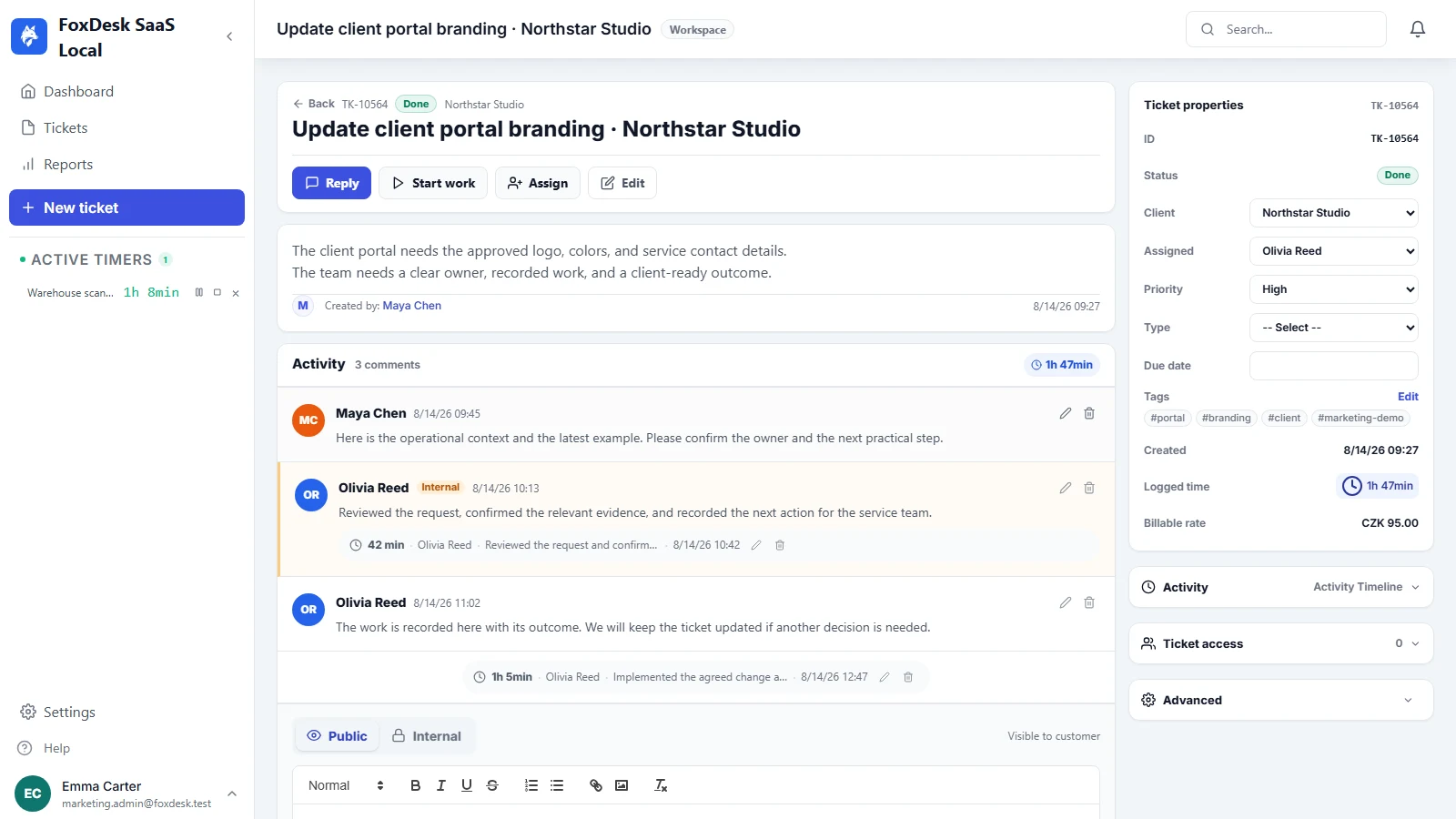
One client request, one connected history
The workflow is deliberately simple:
- A request arrives. An email or portal message becomes a ticket for the correct client.
- Someone takes responsibility. The ticket shows its owner, priority, deadline and current status.
- The work is recorded where it happened. Employees and freelancers use a timer or manual entry. A connected agent can add its approved result and time through the FoxDesk API.
- The client receives a report. I review the month and share the completed work, exact durations and cost without rebuilding it in a spreadsheet.
This means I can open one ticket and understand the request, the decisions, who worked on it and what has already been delivered. I do not need to search an inbox before answering a client.
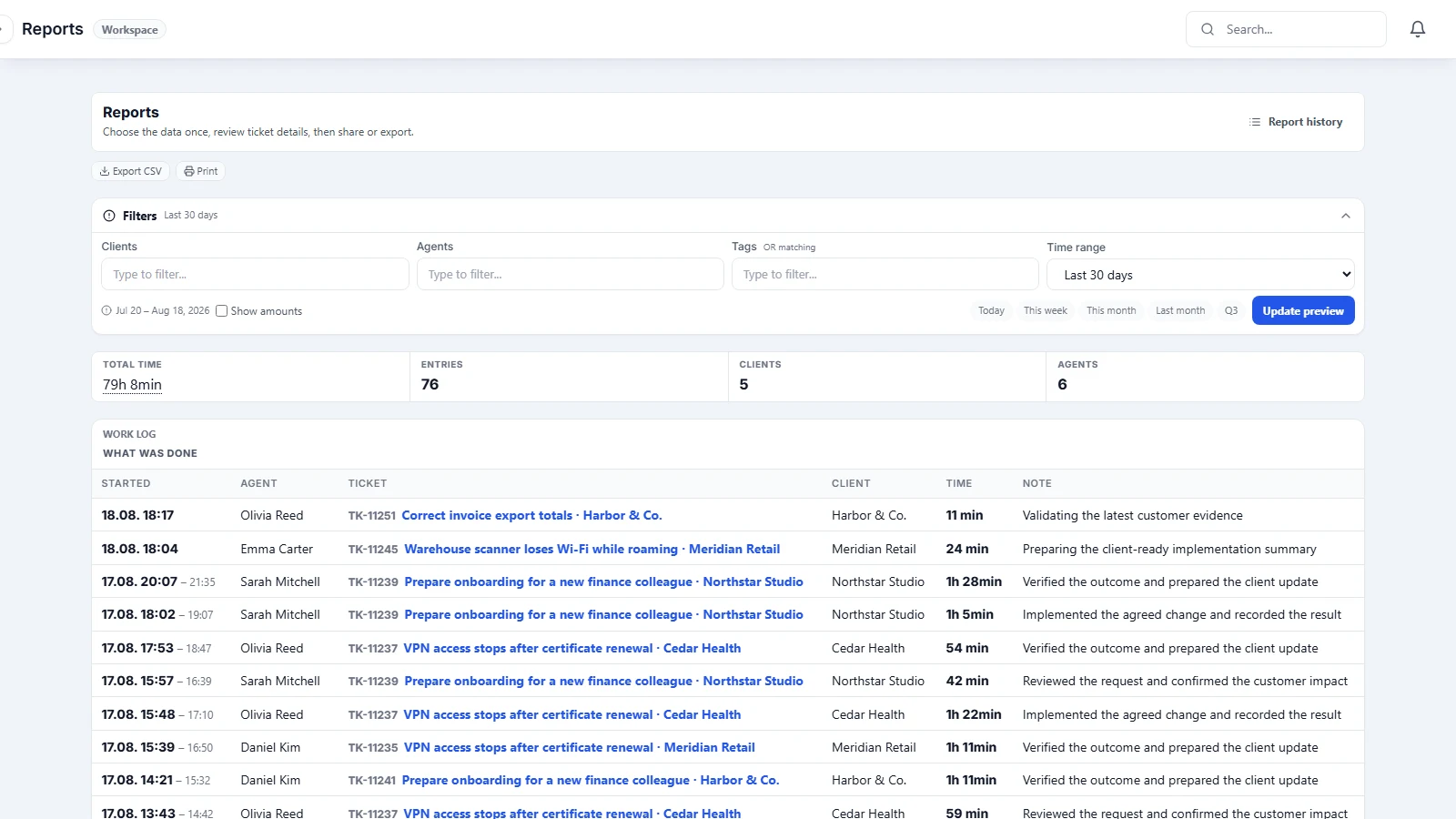
People and connected agents use the same record
I use coding agents as part of real client work. If Codex fixes a problem or Claude Code completes an implementation, that work still needs a client, a result and a duration. Otherwise it becomes another invisible conversation that I must explain later.
A connected Codex, Claude Code, Cursor or ChatGPT workflow can create a ticket, update the correct ticket and record time. The connection uses a scoped identity, so the agent only gets the access it needs. Simply mentioning FoxDesk in a normal chat does not connect anything.
Before a client sees the result, I can review it. Prompts, terminal commands, internal discussion and failed attempts remain private. The report contains the completed work and the time that belongs to the client.
The report is ready because the work was recorded
Every work entry stays with its ticket and client. I can set different client rates, mark work as billable or internal, filter the period and check the exact time before sharing anything.
At the end of the month, FoxDesk turns those approved records into a report. The client sees what was completed, how long it took and the amount behind the invoice. The report explains the work instead of merely presenting a total.
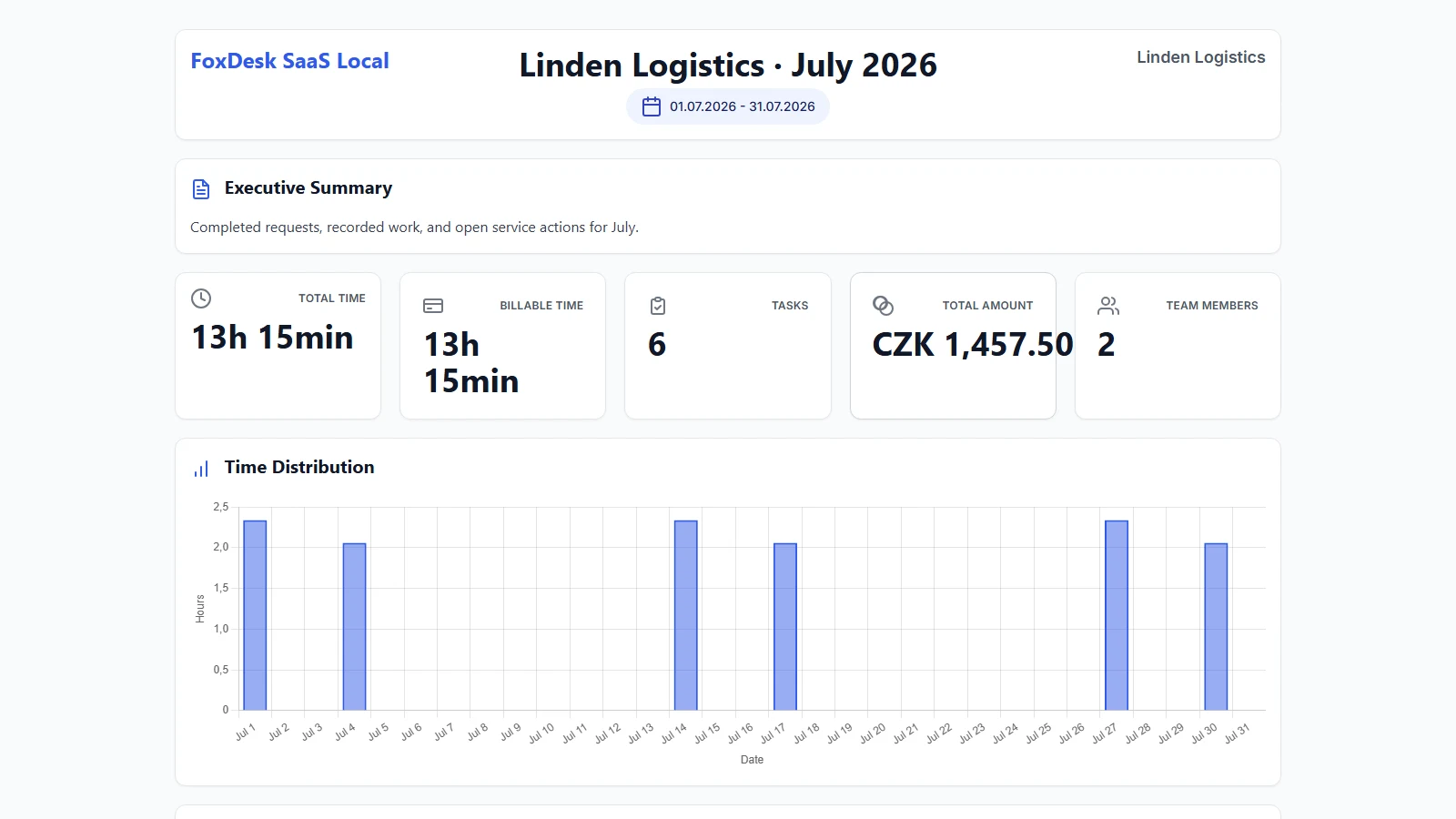
Who I built it for
FoxDesk makes the most sense when you work for several clients and the work is shared between people or tools:
- A freelancer who wants requests, billable time and the monthly report in one place.
- An agency that needs separate client histories while employees and external specialists share one queue.
- An IT or service team that receives work by email and needs to show clients what was actually solved.
- A team using coding agents that wants completed agent work recorded beside ordinary human work.
The application is available in 24 languages. Team members, clients and tickets are unlimited, so adding another collaborator does not create another per-seat fee.
Cloud if you do not want another server
FoxDesk Cloud includes hosting, backups, updates, email intake, time tracking, reports, agent connections and 1 GB of storage. The introductory price is €9.90 per workspace each month, not per user. A workspace subscribed during the introductory offer keeps that price while the subscription remains active. The pricing page explains storage and fair use.
If you prefer to run FoxDesk on your own infrastructure, the open-source edition remains available under AGPL-3.0. The public repository contains the self-hosted application. The Cloud platform, billing and tenant management remain separate.
Put one real request through it
FoxDesk Cloud is in public beta. You can try it for 14 days without a payment card, and nothing starts charging automatically.
I am not asking you to move every client on the first day. Put one real request through FoxDesk. Let a person or connected agent record the work, then open the report. If the report is clearer than the one you prepare today, FoxDesk has done its job.
If something feels awkward or unclear, tell me. That feedback is what the public beta is for.
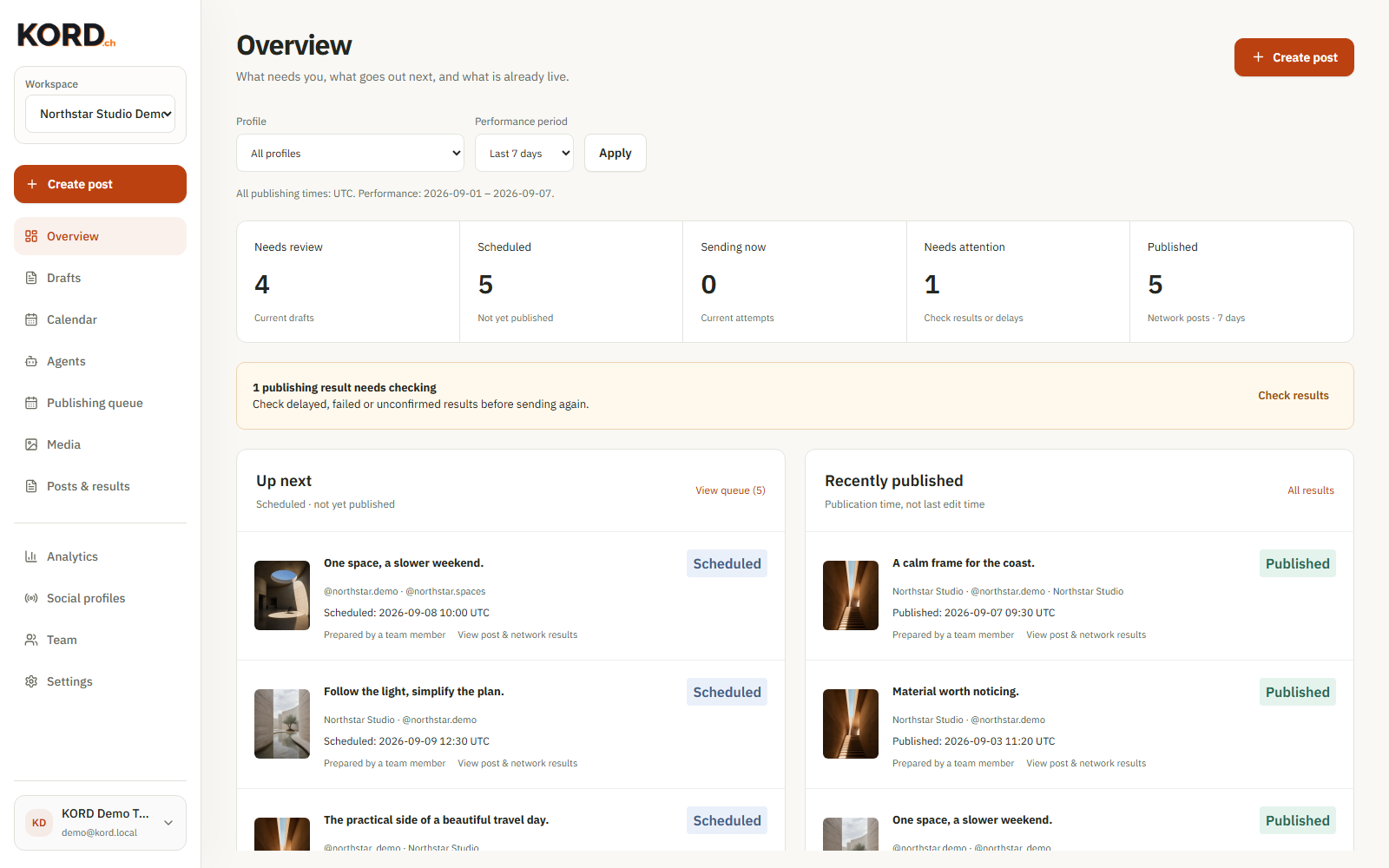
September 8, 2026
KORD: what changed after your feedback
Larger draft previews, simpler agent connections and a clearer view of what's scheduled and what actually went live.
August 30, 2026
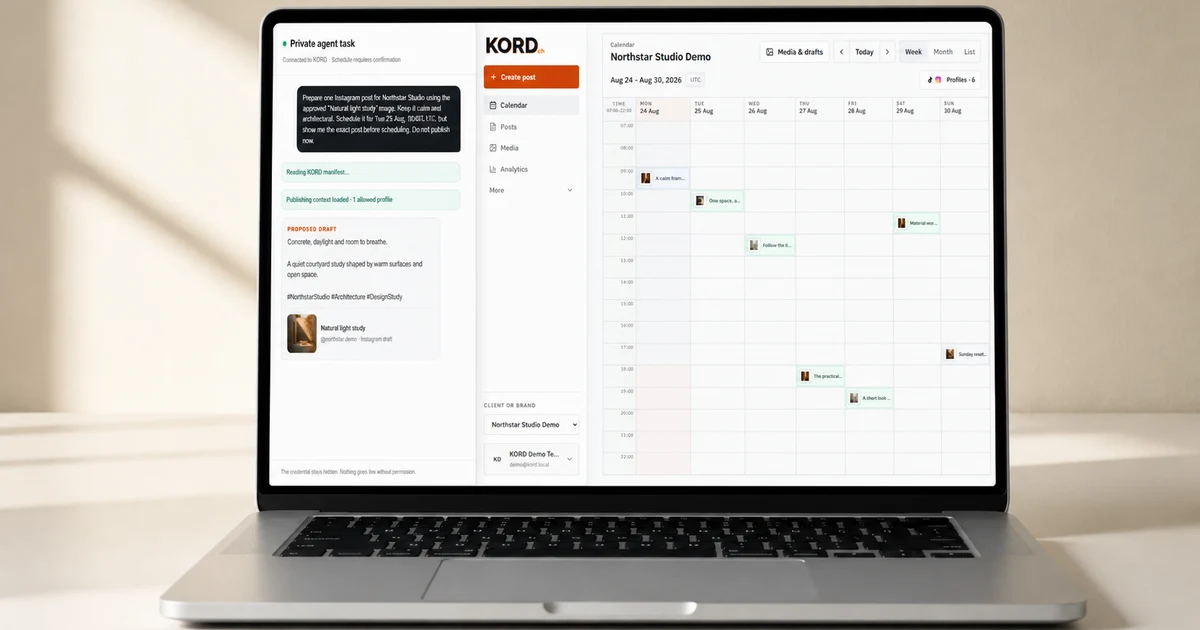
Give Your AI Agent Somewhere to Work
KORD gives AI agents a controlled way to prepare, schedule and publish posts to your business social accounts.
May 27, 2026
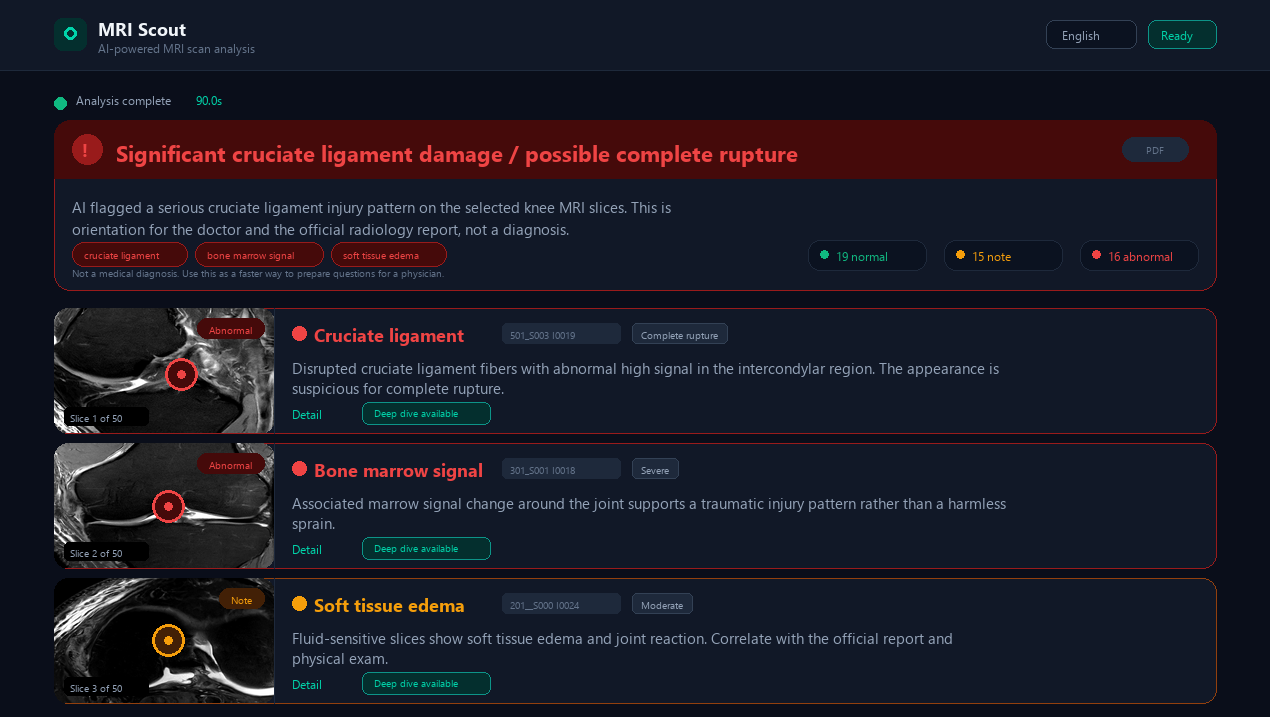
I Twisted My Knee Skiing and Built MRI Scout
In April I twisted my knee skiing, got the MRI data on a CD, and built MRI Scout for the waiting gap before the official report. Three days later, the AI result was very close.
March 29, 2026
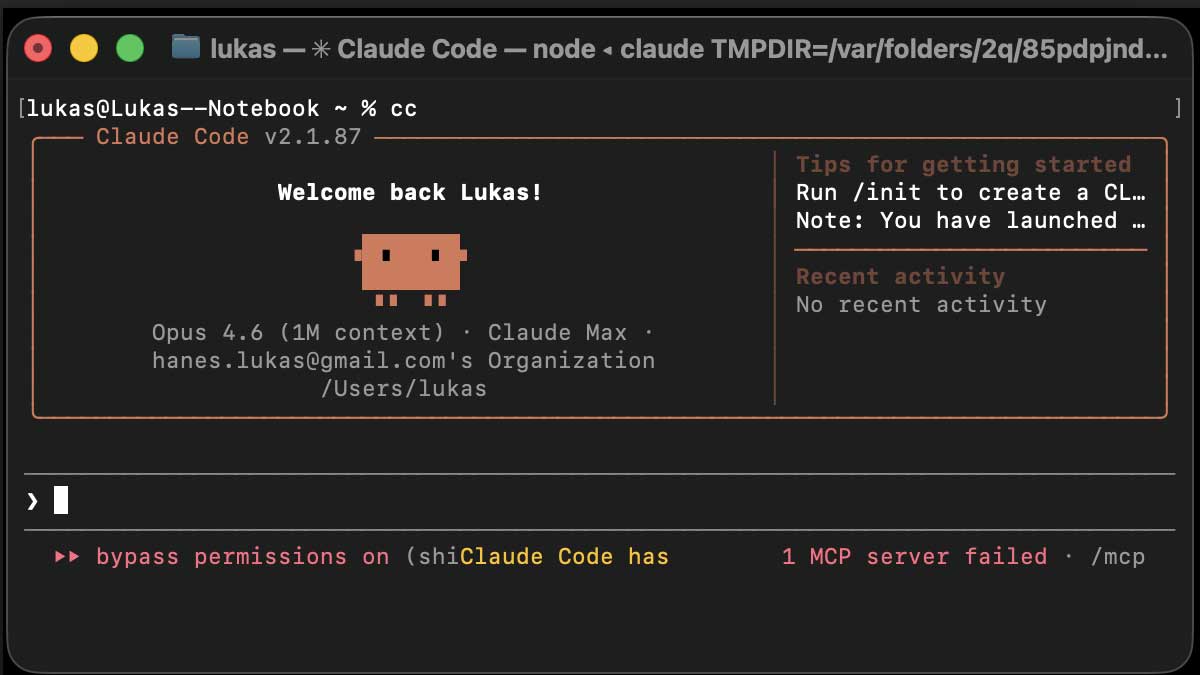
Terminal: The Most Efficient Way to Work With AI Agents. A Complete Guide From Zero.
The most efficient way to use AI agents starts in the terminal. A complete setup guide covering Git, sessions, project files, and the workflow that actually works. From absolute zero.